Internet Explorer
Internet Explorer is not supported. Please upgrade to a more modern browser.

Passkeys, email codes and recovery codes: multi-method 2FA.
Supported NamelessMC versions
For NamelessMC 2.2.5, with any site template. Older NamelessMC releases are not supported; see Why only NamelessMC 2.2.5? below.
Modern two-factor authentication and passwordless passkeys for NamelessMC, by CruelWinter.
🔐 Give members real 2FA choice: authenticator app, email one-time codes, and passkeys (fingerprint, face, PIN, or security key). They can turn on as many as they like, and any one signs them in.
Out of the box NamelessMC only offers authenticator-app 2FA, and its email 2FA was left unfinished (the code literally says // TODO). This module finishes email 2FA, adds phishing-resistant passkeys, and layers on recovery codes so nobody gets locked out, all from a clean manager in the User CP.

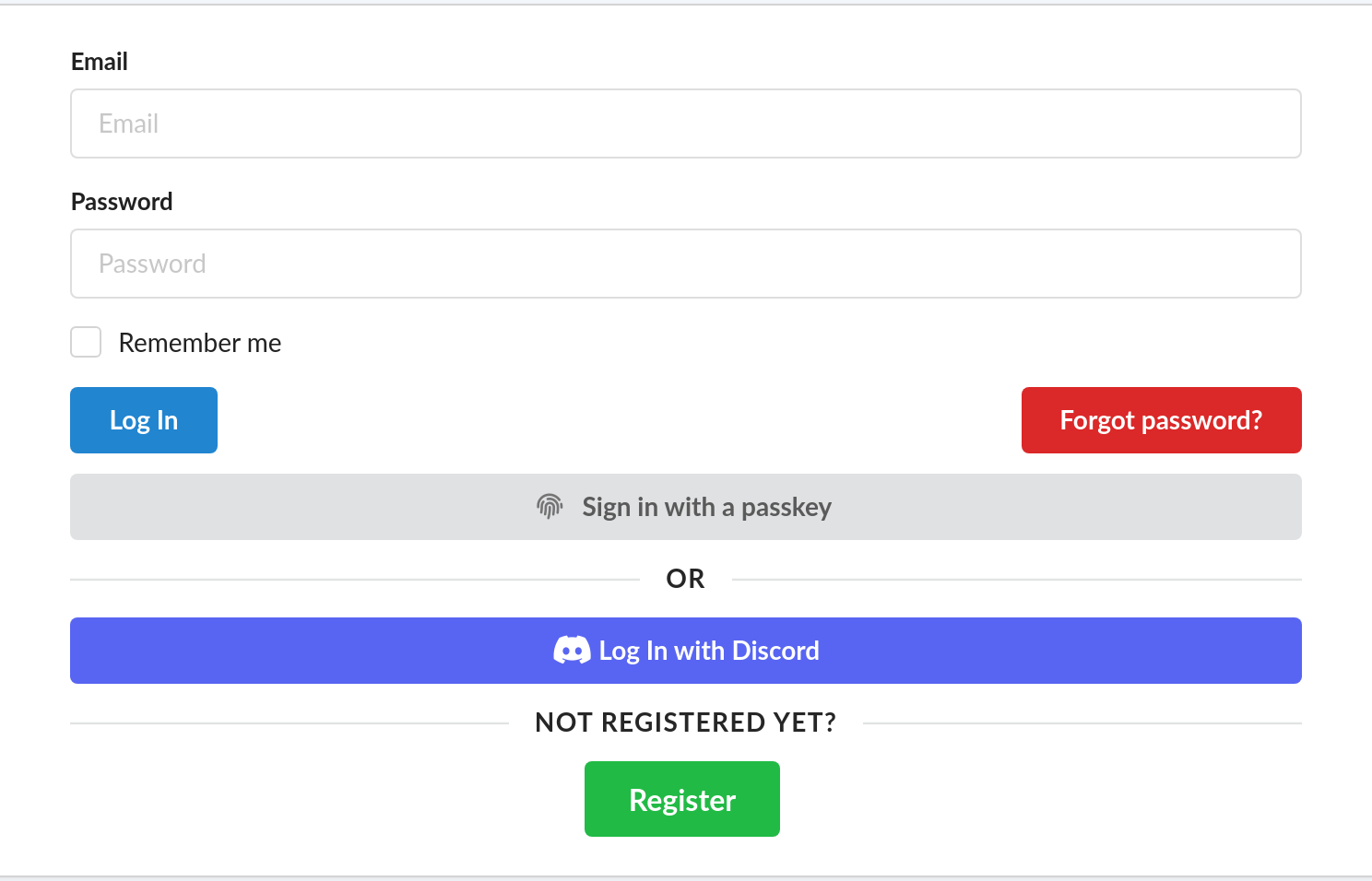

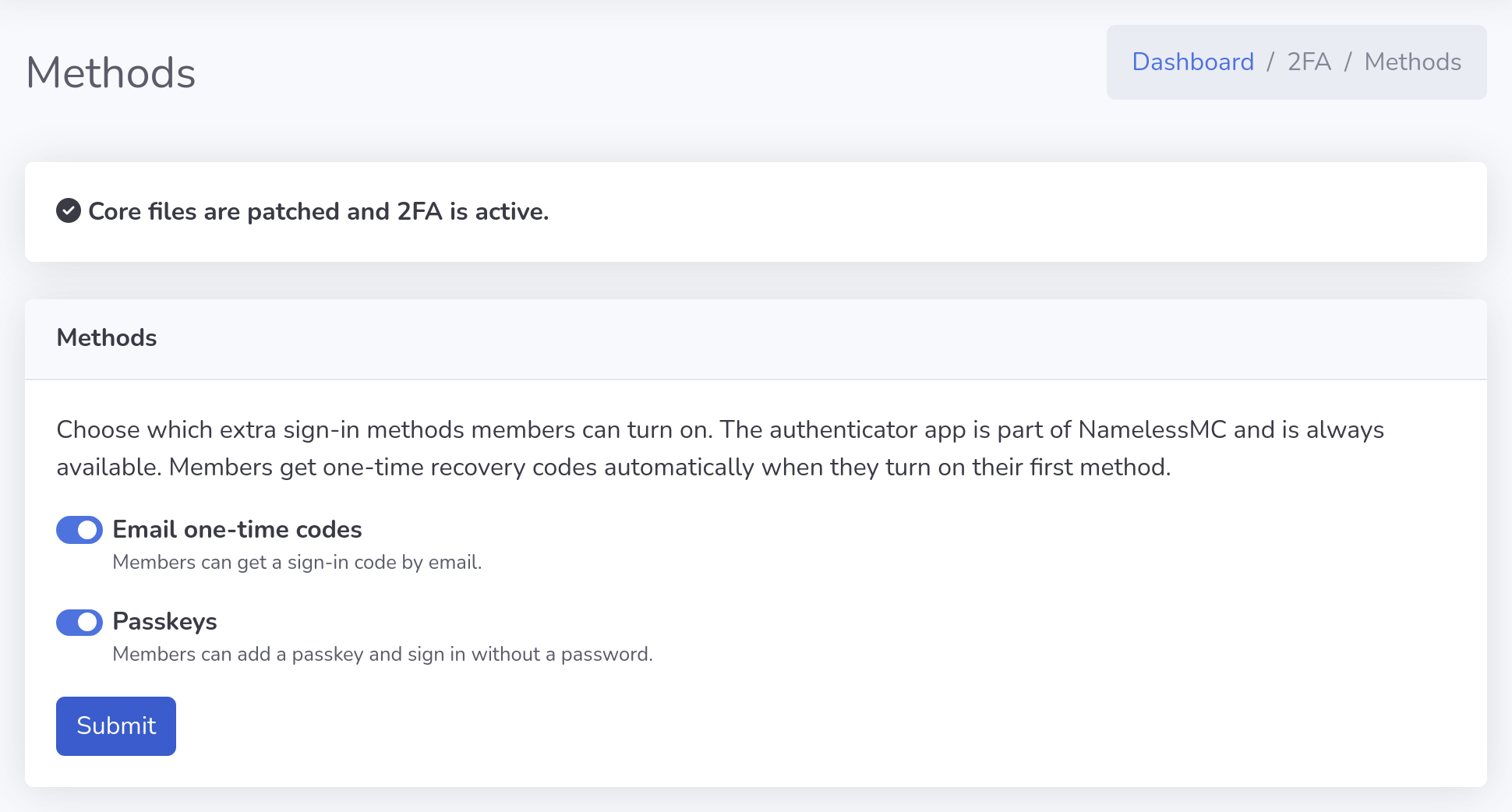
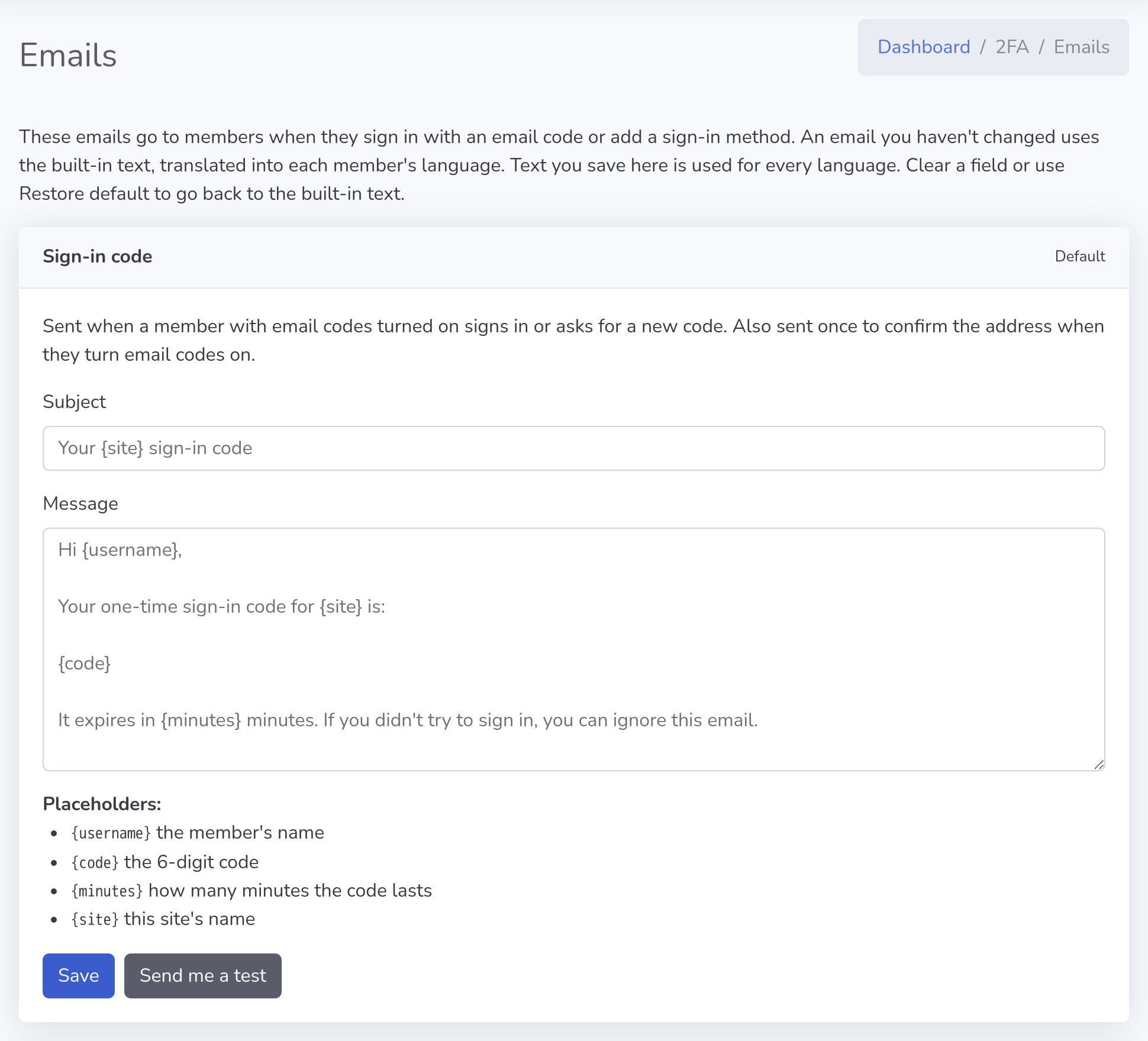
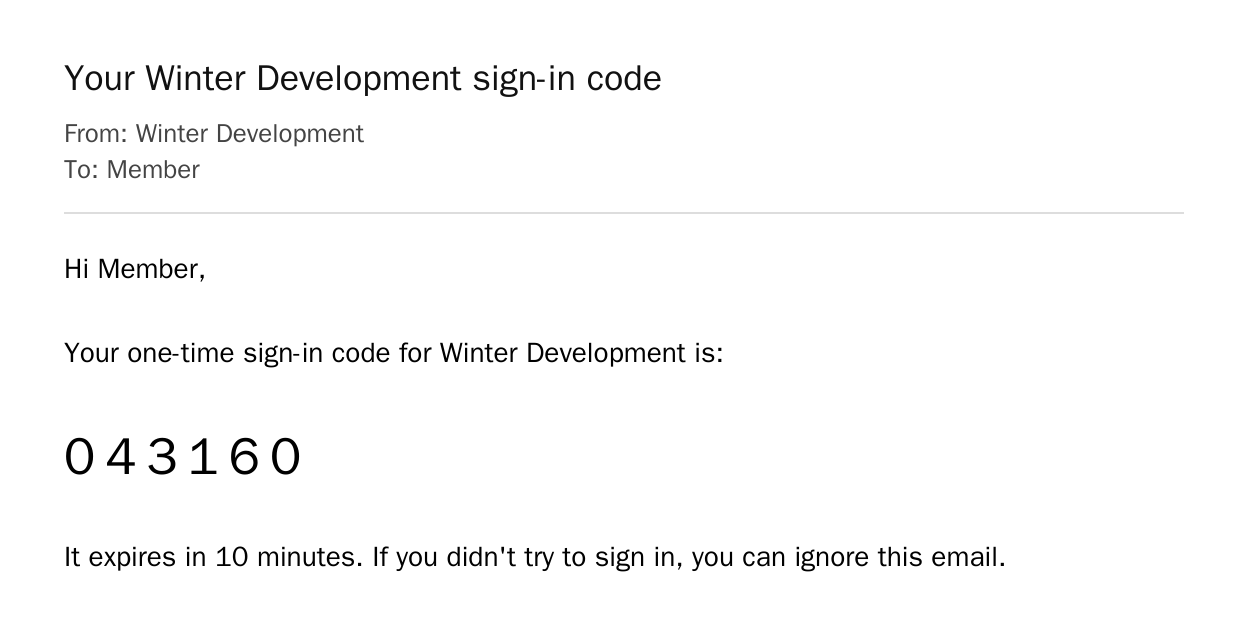
Select a screenshot to open it full size.
2fa folder and change it; updates never overwrite your copy. The README lists everything a page needs.NamelessMC has no hook for adding a login method, so the module patches a few core files. You never touch code: enable the module, open StaffCP → 2FA → Patches, and click "Apply patches." Every file is backed up first, anything that doesn't match the stock version is safely skipped, and a one-click Revert restores the originals. Re-run it after a NamelessMC upgrade and you're done.
Module updates use the same button. Patches that changed show update ready and are replaced in place, keeping your original backups. If a patched file has no backup, the stock copy for your NamelessMC version is downloaded from GitHub. On 2.2.5 it is checked against the known stock file before it is saved.
NamelessMC 2.2.5 fixed a security problem in social sign-in: it now checks that every Discord, Google or other provider sign-in started on your own site, which stops forged sign-in links. This module's second step for social sign-in is built on that fix.
On 2.2.0 to 2.2.4 the same sign-in page would turn away every social sign-in, and a second copy without the fix would leave those sites open to the problem 2.2.5 closed. So 2FA supports NamelessMC 2.2.5 only. If your site runs an older release, update NamelessMC to 2.2.5 first; the update is free. The installer checks this for you: on any other release it changes nothing and tells staff why.
2FA fills a gap in NamelessMC. The day NamelessMC adopts everything this module adds, the module will be retired, because NamelessMC itself will cover it.
Until then, it is kept up to date with each new NamelessMC release, so new versions of NamelessMC don't break it.
Drop-in modules/2fa/ module (bundles the MIT lbuchs/WebAuthn library, no Composer needed), the in-panel installer, and a README.
v1.2.1
  - Supports NamelessMC 2.2.5 only: on any other release the installer
    changes nothing and StaffCP explains why
  - The installer patches all of its files or none: every file is checked
    and backed up first, and a failed write puts back what it changed
  - Native skins for DefaultRevamp, Tailwind and Cobalt, used automatically
  - Your template's own copy in custom/templates//2fa/ wins, so
    pages can be restyled without touching the module
  - "Sign in with a passkey" also appears in login pop-ups, such as
    Cobalt's, without editing the template

v1.2.0
  - Works with any site template: members manage 2FA on a new User CP
    page (Two-factor), and the Settings page links to it
  - No template files are patched; updating puts the four DefaultRevamp
    files earlier versions changed back to stock
  - "Sign in with a passkey" shows whenever passkeys are on
  - Adding a passkey happens in a dialog, and the passkey prompt opens
    straight away on iPhone and iPad
  - Cancel on the authenticator setup page always cancels, and a new app
    key is only saved once a code from it is confirmed
  - No browser pop-ups anywhere; StaffCP asks in its own dialog
  - Templates that place their own passkey button keep it

v1.1.0
  - Both emails are editable in StaffCP -> 2FA -> Emails, with placeholders,
    a test send and restore default
  - Translated into English, German, Spanish, French, Dutch and Brazilian
    Portuguese; emails follow each member's language
  - Adding a passkey sends the new sign-in method email
  - Fixed: "Email me a code" on the sign-in step did nothing for members with
    both the app and email codes
  - Security fix: cancelling an authenticator app setup switched email codes
    off, so those members could sign in with only a password
  - The sign-in step says which codes the member can use
  - StaffCP 2FA is split into Methods, Emails and Patches pages

v1.0.1
  - 2FA now works with social sign-in (Discord, Google and other providers),
    accepting an app code, an emailed code or a recovery code
  - Module updates install in place: changed patches show "update ready" and
    keep your original backups
  - Missing backups are downloaded from GitHub for the site's NamelessMC version,
    and checked against the known stock file on 2.2.5
  - A stock file is never patched without a backup; Revert reports any file it
    could not restore
  - StaffCP 2FA page: clearer status when 2FA is already active, backup status
    per file, and it fits on phones
  - User CP 2FA section: tidier on phones and readable in dark mode
  - Passkey sign-in and "Email me a code" buttons follow dark mode
  - Text contrast meets WCAG AA on every page the module draws
  - StaffCP sidebar: the 2FA link has its own Security heading

v1.0.0
  - Email one-time codes (completes NamelessMC's stubbed email 2FA)
  - Passkeys / WebAuthn: passwordless "Sign in with a passkey"
  - One-time recovery codes with regenerate + login fallback
  - Multiple methods enabled at once; login accepts any enabled method
  - "2FA enabled" security alert email
  - Per-method admin toggles (StaffCP)
  - One-click, backed-up core patcher + revert (StaffCP -> 2FA)
  - Dedicated Two-Factor manager in the User CP
Made by CruelWinter, cruelwinter.org. Version 1.2.1.
No reviews